• September 2, 2010

    Designing intranets book tour (Sydney, Canberra, Melbourne)

    Categorised under: Conferences & presentations

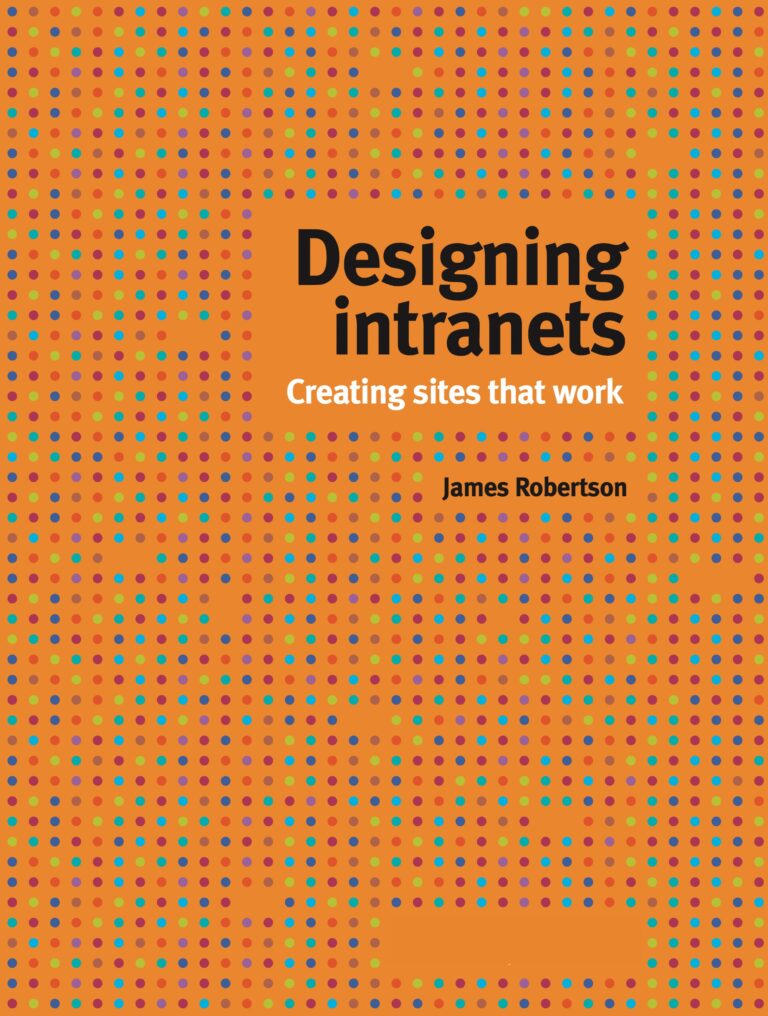
    Join us for the launch of my new book, Designing intranets: creating sites that work. This is the latest book from Step Two Designs, and the world’s first textbook on how to create usable and effective intranets. At 275 full-colour pages, this book will transform how intranets are designed and delivered.

    To coincide with the official release of the book on September 15, we will be conducting a national book tour, with stops in Sydney, Canberra and Melbourne, with dates as follows:

    Come to this free afternoon session to:

    • hear me share insights and examples from the book
    • see screenshots from intranets around the globe
    • meet and network with other intranet teams
    • obtain a discounted price on the new book
    • get inspired and rebuild your enthusiasm

    The book has already been receiving praise:

    “I cannot recommend this book too highly, and it should be bought by every intranet manager. Even if you are not contemplating a re-design you probably will after reading the book.” Martin White (UK)

    “James’ both broad and deep knowledge is evident once again in ‘Designing intranets: creating sites that work’. This hard-talking, crystal-clear guide will bring a lot of value to both inexperienced and very experienced intranet managers.” Jane McConnell (France)

    “Highly recommended: even experienced intranet managers will find something new in this book.” Sam Marshall (UK)

    Tickets are free, but numbers are strictly limited, so register online and don’t miss out!

    Make a comment »

  • September 1, 2010

    How intranet plans evolve

    Categorised under: Intranets

    In our 6×2 methodology, intranet teams plan one release at a time, typically at six month intervals. Based on criteria (“why would we deliver this feature?”) and constraints (“What stops us from delivering improvements?”), potential activities are ruthlessly evaluated. The result is a list of deliverables that are both doable and worth doing.

    In the 6×2 report, we indicate that criteria will change over time, based on the evolution of the intranet and changing business needs. In other words, what you focus on today may not be the priorities for tomorrow.

    Last week we ended up running two 6×2 planning sessions at the one organisation, and this point was elegantly demonstrated.

    November release

    The immediate focus of the project team was a quick intranet rebuild to reflect new corporate branding, to be launched in two months time (!). The criteria for this release were very focused on communications and culture:

    • Expresses and communicates the new brand
    • Improves findability of content / people
    • Demonstrates visible progress
    • Supports two way interaction / dialog
    • Has wow! impact

    Within the extreme time constraints, a range of small, high-impact improvements were identified.

    Q1 2011 release

    For the proper six-month project, the criteria shifted to business and staff needs, as follows:

    • Benefits frontline staff
    • Demonstrates the organisation coming together
    • Provides coordinated communications channel
    • Improves findability
    • Builds momentum for the future intranet vision

    Needless to say, the activities chosen for the six-month project were very different based on these criteria…

    Make a comment »

  • August 31, 2010

    How HR can leverage the intranet

    Categorised under: Intranets

    Because it is a department connected to every part of an organisation, Human Resources (HR) has a unique position that can be leveraged to help underpin the intranet’s value to staff.

    HR remains a key stakeholder of, and publisher to, the corporate intranet. Reviewing the various content and tasks available can help HR and intranet teams evaluate their current site and stimulate ideas for more compelling offerings.

    Informing and supporting staff

    For HR, the intranet often begins as an information repository or support centre facilitating access to current employment-related documents such as:

    • policies and codes of conduct
    • procedures and employee manuals
    • employment agreements and conditions
    • health and safety documentation
    • events and training calendars
    • internal position vacancies
    • HR frequently asked questions

    [CMb 2010-14 by Stephen Byrne, read the full article]

    Make a comment »

  • August 31, 2010

    Three elements of every intranet strategy

    Categorised under: Intranets, James' articles

    Intranet strategies vary from 100-page formal documents to informal plans that can be conveyed verbally in a lift. Some strategies cover the coming six months, while others stretch out to encompass five-year timescales.

    Regardless of the scope and duration of the plans, successful strategies all build on a common narrative structure that describes:

    • where we’ve been
    • what we’re doing right now
    • what comes next

    This basic structure helps intranet teams to give shape to their strategy development efforts, and ensures that nothing is missed.

    Where we’ve been

    Intranets are generally the product of a long history of changes and organic evolution, which provides vital context for the planned improvements.

    [CMb 2010-13, read the full article]

    Make a comment »

  • August 31, 2010

    Putting people at the centre: social staff directories

    Categorised under: Enterprise 2.0, Intranets

    The term ‘social intranet’ has become popular in recent times, and describes an intranet with social media tools — blogs, wikis, microblogs, comment functionality and more — embedded within the core intranet software platform.

    However, before a social intranet can be successful, work must be done to enrich and develop a much more fundamental aspect of the intranet — the staff directory. This article explores the potential of the staff directory, the impact social networks on the Web are having on intranet design, the rise of ‘social search’, and examples of these concepts in play in businesses already.

    The killer app

    Typically, the staff (or corporate) directory is already one of the most vital and well-used utilities on an intranet. Finding out who to contact and how to contact them supersedes nearly every other intranet-based process or task that employees conduct on a day-to-day basis.

    Typically, the staff directory is a highly popular intranet tool

    With the increasingly powerful capabilities of modern intranet platforms, the staff directory is rapidly becoming not only the most-used utility on an intranet, but actually the very heart of the system. It’s the database and tool that all other features and functions are being tied to. Whether it’s core functionality such as business intelligence, data reporting and record keeping, or more social features such as collaborative project areas, blogging and more, the person or people using these systems, spaces and tools is becoming the focus.

    The Tube

    No example illustrates this better than IDEO’s much-publicised and stunning entry in the 2009 Intranet Innovation Awards.

    [August KM Column by Alex Manchester, read the full article]

    Make a comment »

  • « Older Articles